macOS RecovByte · Forensic Engine

RecovByte Mac
Data Recovery Software

Recover deleted, formatted, corrupted or unmounted data from macOS Sonoma, Ventura, Monterey, Big Sur, Catalina and earlier using a forensic-grade, read-only deep scan.

RecovByte is engineered for APFS, HFS+, T2/M-series encrypted disks, Fusion Drives and external macOS drives— designed to analyze snapshots, containers, metadata and RAW sectors safely.
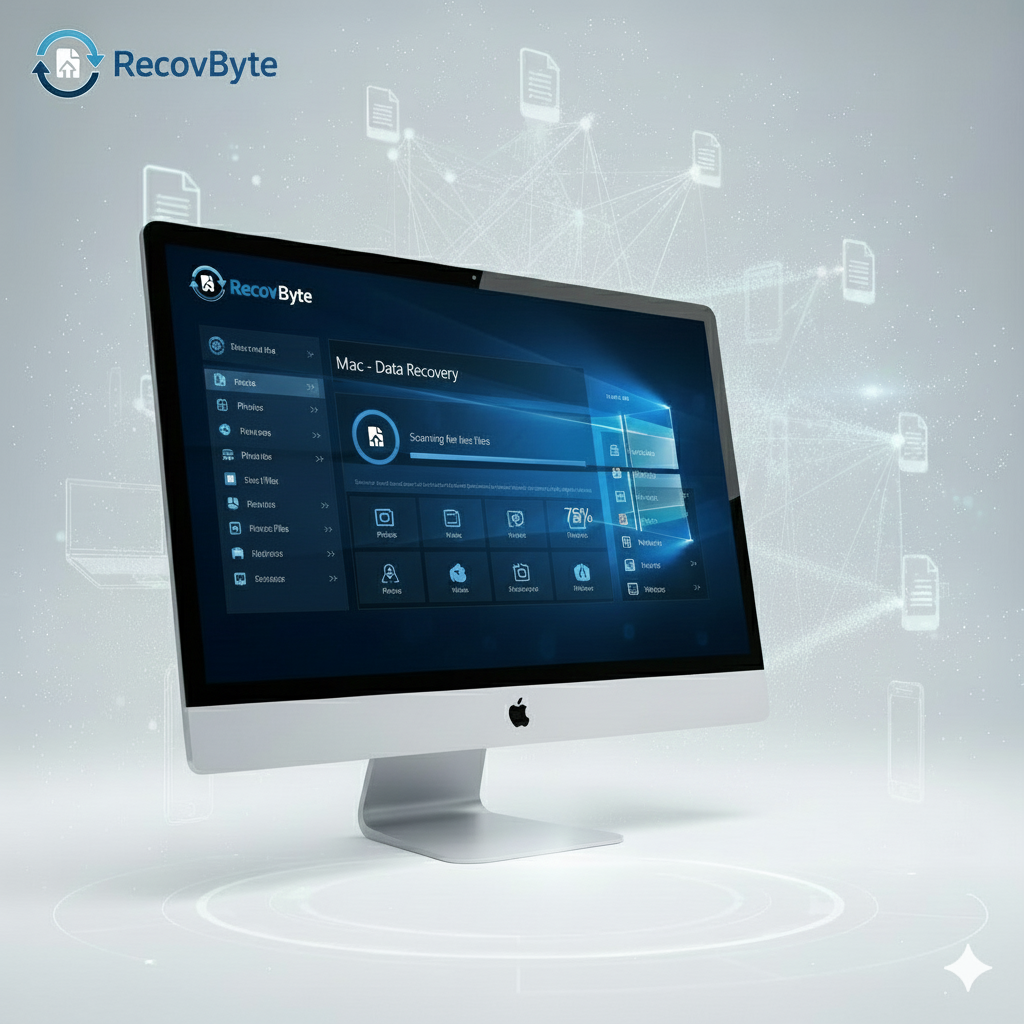
Scan Summary – Mac APFS Volume

A sample forensic-grade report created after scanning an internal APFS SSD with RecovByte Mac Deep Engine.

Deep Scan + APFS/HFS+ Metadata Reconstruction

Performed on a MacBook Pro (M2) running macOS Sonoma. The scan parsed APFS containers, snapshots, HFS+ catalog records, volume headers and RAW sectors — all in read-only mode.

Files Located
186,492
Recoverable Files
173,228
Photos & Media Items
48,716
Documents & Project Files
36,109
File Systems
APFS, HFS+
Scan Mode
Deep + RAW
Risk Level
Safe — Read-Only

This scan successfully recovered a large Photos Library, Final Cut Pro project folders, RAW camera files, Pages/Keynote documents and deleted design assets.

Powerful macOS Data Recovery Features

RecovByte for Mac brings together deep forensic scanning and macOS-aware recovery logic — from APFS container introspection to legacy HFS+ support.

🧠
APFS & HFS+ Metadata Reconstruction

RecovByte parses APFS container maps, snapshots, volume metadata and HFS+ catalog/catalog-leaf records to reconstruct folder trees and filenames — even when macOS shows the volume as unreadable.

🔍
RAW Sector Scan & File Carving

When the file system is damaged or the partition map is missing, RecovByte scans raw disk sectors and carves files using a library of 500+ signatures — recovering photos, videos, documents, archives and more from APFS, HFS+, SSDs and external media.

🔐
Encrypted & T2/M-Series Disk Support

Supports APFS volumes on T2-chip Macs or M1/M2/M3 systems. If the drive is unlocked and mounted by macOS, RecovByte can safely read metadata, reconstruct files and recover data, respecting macOS security frameworks.

📂
File Preview (Photos, Docs, Videos)

Preview recoverable photos, videos, documents, archives and more before restoring — ensures you only recover valuable data and avoid clutter from corrupt or irrelevant files.

🛡️
Read-Only Mode — No Overwrites

All scans are strictly read-only: RecovByte does not write to the source drive. This protects data integrity and ensures safe recovery, even on failing or unstable disks.

💾
SSD, Fusion & External Drive Compatibility

Works with internal SSDs, Fusion Drives, USB/Thunderbolt external disks, SD cards and external SSDs — covering the full range of macOS storage hardware setups.

Recover Data in Real-World macOS Cases

From accidental deletion to APFS corruption or macOS errors — RecovByte handles the most common and complex data loss cases effectively.

🗑️
Deleted Files & Emptied Trash

Recover photos, documents, or work files even after you emptied the Trash. RecovByte scans metadata and free space to locate recoverable data before it's overwritten.

💽
Formatted or Erased Drives

Whether you formatted by mistake, reinstalled macOS, or erased an external disk — RecovByte can restore content from previous APFS/HFS+ volume structures.

⚠️
Corrupted or Unmounted Volumes

When macOS shows “disk not readable” or a drive fails to mount, RecovByte bypasses filesystem mounting and reads raw volume sectors directly — recovering files even when macOS Disk Utility fails.

📁
Lost APFS Partitions & Deleted Containers

After partition mistakes, APFS resizing, or snapshot issues, RecovByte can reconstruct damaged containers and restore entire user folders, filenames, metadata and directory layouts.

Supported macOS Devices & Storage Media

RecovByte covers the full range of storage hardware used by Mac users — from internal SSDs to external media and camera cards.

💻
Internal SSD / NVMe (MacBook, iMac, Mac Studio)

Recover data from built-in SSDs of modern Macs even if APFS container or partition metadata is lost or corrupted.

🔌
External USB / Thunderbolt Drives

Supports external HDDs, SSDs, and Thunderbolt drives. Great for rescuing backup disks, media libraries, or external storage devices.

📸
SD / microSD Cards & Cameras

Ideal for photographers and videographers — can recover lost photos, RAW images, video files from SD/microSD used in cameras or drones.

How RecovByte Mac Recovery Works

A straightforward 5-step workflow that blends macOS-specific logic with forensic-level analysis — designed for both novice and advanced users.

1
Select the Affected Drive or APFS Container

Choose your internal or external macOS volume. RecovByte detects APFS containers, partitions, snapshots and prompts you to confirm before scanning.

2
Choose Quick or Deep Scan

Quick Scan for recently deleted files or HFS+ volumes; Deep Scan for formatted drives, corrupted containers, RAW media or missing partitions.

Preview Scan Results & File Tree

After the scan completes, view a full breakdown — recoverable items, file systems detected, partitions found, and a navigable file tree with directory structure or reconstructed folders.

4
Preview Files Before Recovery

Preview documents, photos, videos, archives — even before restoring. Helps you verify file integrity and decide what to recover first.

5
Recover Safely to Another Location

Save recovered data to a different healthy drive, USB, or external storage. RecovByte never writes to the source — ensuring safety and avoiding overwrites.

Why RecovByte Outperforms Typical macOS Recovery Tools

Most macOS recovery tools can't handle complex APFS or T2-encrypted volumes. Here’s how RecovByte compares in real-world recovery scenarios.

Feature / Capability RecovByte Typical Tools
APFS + HFS+ Metadata Parsing Yes – full metadata reconstruction Often fails or limited to HFS+
RAW Sector + Fragmented File Recovery Advanced RAW & signature-based carving Basic or none
T2 & M1/M2 Encrypted Disk Support (unlocked) Yes Rarely supported
Read-Only Safety Mode Strict read-only — no source writes Some write temporary data
External & SD Card Recovery Full support for external + removable media Often limited or unstable
Live File Preview (Photos, Docs, Video) Yes — broad format coverage Partial or missing
Simple Workflow for Users Guided, easy-to-use interface Complex or outdated UI

macOS Recovery – Frequently Asked Questions

Common questions about using RecovByte on macOS, answered in simple, clear language.

Can RecovByte recover files on APFS volumes after I emptied the Trash?

Yes. Deleting files on APFS often only removes the file pointers, not the actual data. RecovByte can scan metadata and free space, recovering files before they are overwritten — including original file names and folder paths where possible.

Does RecovByte work on T2-chip or M1/M2 Macs?

Yes. As long as the drive is unlocked and recognized by macOS, RecovByte can read the data. It supports APFS containers, encryption metadata and modern Apple storage architectures directly.

Is using RecovByte safe on a failing or unmountable drive?

RecovByte always operates in **read-only mode**, which minimizes the risk of data corruption or further damage. However, if the drive has physical issues (clicking, freezing, SMART warnings), it's recommended to clone the disk first and run recovery on the clone.

Do I need advanced knowledge to recover data?

No. RecovByte offers a guided workflow: select the drive, scan, preview recoverable files, then save to a safe destination. Advanced users also have access to detailed scan metadata and logs for deeper analysis.

Where should I save recovered files?

Always save recovered items to a different healthy drive or external storage. Writing recovered data back to the same corrupted or unstable disk risks overwriting sectors that may still contain lost data — reducing future recovery chances.

Restore Your macOS Data — Safely & Securely

Whether you're dealing with deleted files, a formatted drive, a corrupted APFS container, or an unreadable external disk — RecovByte gives you a forensic-grade, read-only way to recover what matters. Start with a free scan and see what can be restored before committing.

Download RecovByte for macOS

Discover The Latest Cyber Security Blog Articles