


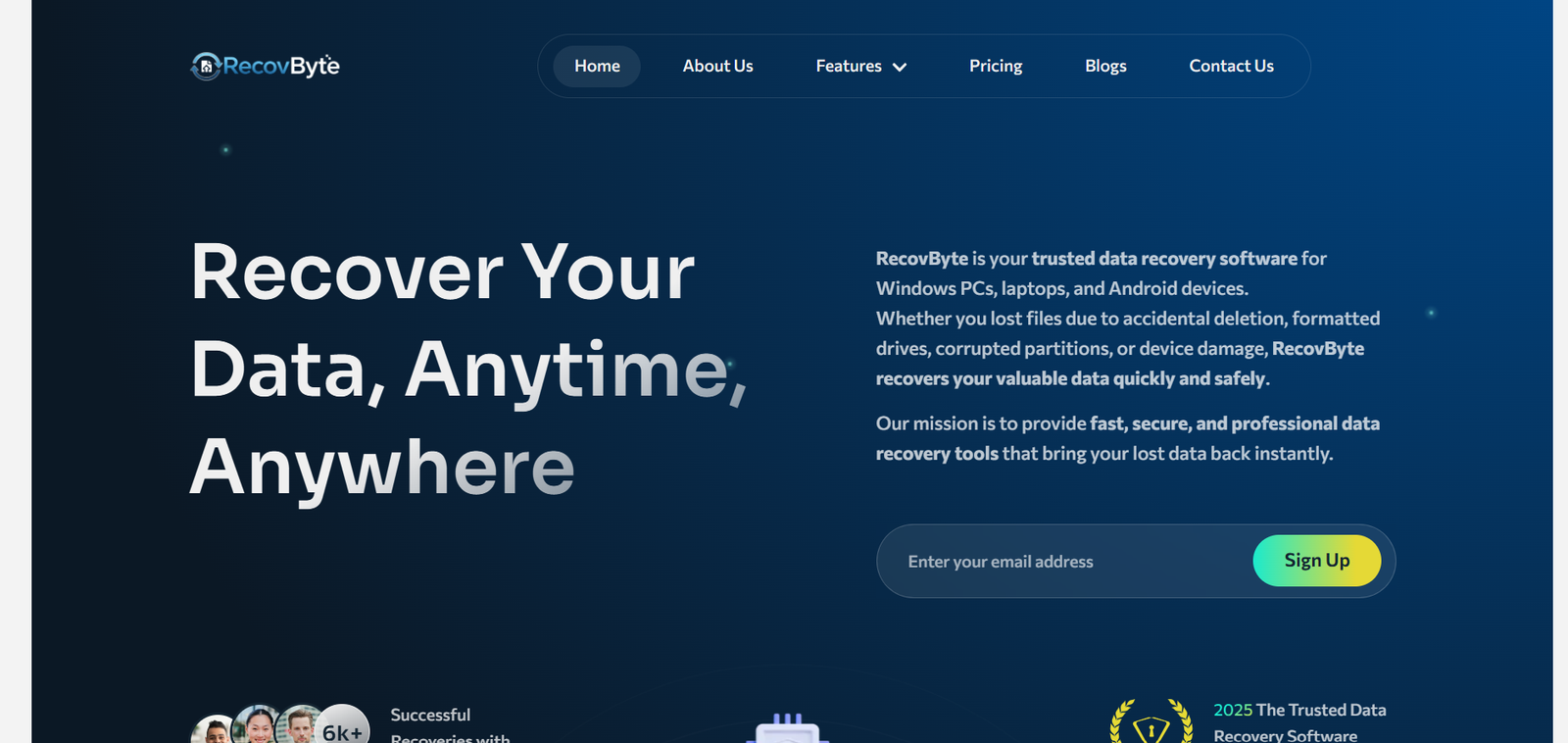
Data is the backbone of both personal and business life in today’s digital era. Losing important files—whether due to accidental deletion, device failure, malware attacks, or system crashes—can be frustrating and even costly. RecovByte emerges as a reliable and comprehensive solution, helping individuals and organizations recover lost files and protect their digital assets. This article explores everything you need to know about RecovByte, its features, benefits, and why it stands out in the world of data recovery.
In a world increasingly dependent on digital storage, file loss can happen to anyone. Studies show that over 30% of computer users experience significant data loss at some point, often due to human error, hardware failure, or software issues. While losing a few files might seem trivial, for businesses, data loss can result in downtime, financial losses, and even reputational damage.
RecovByte is designed to address this challenge. With years of experience in data recovery technology, the company provides solutions for recovering lost files from Windows PCs, laptops, external drives, and Android devices. But RecovByte isn’t just about recovery—it’s about security, speed, and reliability, ensuring users can regain access to their data safely and efficiently.
What is RecovByte?

RecovByte is a software and service platform dedicated to data recovery and digital asset protection. Unlike basic recovery tools that may only handle simple deletion scenarios, RecovByte offers advanced technology capable of retrieving data from a wide variety of storage devices and formats.
Key aspects of RecovByte include:
- Comprehensive device support: Recover files from PCs, laptops, external hard drives, USB drives, SD cards, and Android smartphones.
- Variety of file types: Recover documents, photos, videos, audio files, and more.
- Fast and secure process: Designed to minimize downtime while protecting user data from corruption or theft.
About RecovByte
Our Company
At RecovByte, we are dedicated to helping individuals and businesses recover lost data and safeguard their digital assets. We combine cutting-edge technology with years of expertise in data recovery to provide a solution that’s both efficient and reliable.
Whether you accidentally deleted a family photo, lost an important work document, or experienced a hard drive crash, RecovByte’s solutions are designed to restore your files safely.
Our Achievements
Over the years, RecovByte has grown into a trusted name in data recovery. Some of our achievements include:
- 1,000+ downloads worldwide: A global community trusts our software.
- 5,000+ successful recovery projects: Businesses and individuals have recovered critical files using our platform.
- 120+ 5-star reviews: Positive feedback from users attests to our reliability and ease of use.
- 200% return on investment for business clients: Our services help companies reduce downtime and recover lost assets efficiently.
Features of RecovByte
RecovByte stands out because of its comprehensive features that make data recovery simple and effective. Here’s a detailed look:
1. Multi-Device Support
RecovByte supports recovery across multiple devices:
- Windows PCs & Laptops: Recover files from formatted drives, corrupted partitions, and deleted folders.
- External Drives & USBs: Restore lost data from damaged or formatted external storage.
- Android Devices: Recover photos, videos, messages, and other files directly from smartphones.
2. Wide File Format Recovery
From office documents to multimedia files, RecovByte handles:
- Text documents (Word, PDF, Excel)
- Images (JPEG, PNG, GIF, RAW)
- Videos (MP4, MOV, AVI)
- Audio files (MP3, WAV)
- Email files and system files
3. Fast and Secure Recovery
Time is crucial when recovering data. RecovByte is optimized for:
- Speed: Quick scanning and file restoration to minimize downtime.
- Security: Advanced algorithms ensure files are recovered without corruption.
- Reliability: High success rates, even in complex data loss scenarios.
4. User-Friendly Interface
RecovByte is designed for both beginners and tech-savvy users. Features include:
- Step-by-step recovery wizard
- Preview before restoring files
- Simple navigation with clear instructions
5. Business-Oriented Solutions
For businesses, RecovByte offers:
- Batch recovery for large-scale data loss
- Support for multiple storage devices
- Solutions for critical files that can’t afford to be lost
Why Choose RecovByte?
There are many data recovery tools on the market, but RecovByte distinguishes itself with trust, reliability, and comprehensive support:
- Proven Track Record: Thousands of users worldwide have successfully recovered their files.
- High Customer Satisfaction: Numerous 5-star reviews attest to the quality of service.
- Advanced Technology: Proprietary algorithms enhance recovery success rates.
- Global Accessibility: Available to users across multiple regions and platforms.
- ROI for Businesses: Helps companies save both time and money by reducing downtime.
How RecovByte Works
Understanding the recovery process can make users more confident:
Step 1: Install and Launch
Download RecovByte on your device, install it, and open the software.
Step 2: Select Device
Choose the device or drive from which you want to recover data.
Step 3: Scan
Initiate a deep scan. RecovByte’s algorithms detect recoverable files, even those that appear deleted.
Step 4: Preview Files
Preview the detected files to ensure they are the ones you want to recover.
Step 5: Recover
Select the files and choose a safe location to restore them. Files are recovered securely and ready for use.
RecovByte for Individuals vs Businesses
For Individuals
RecovByte is ideal for personal use:
- Accidentally deleted photos or videos
- Formatted drives or lost partitions
- Recovering important school or work documents
For Businesses
Businesses benefit from RecovByte’s advanced capabilities:
- Bulk file recovery across multiple devices
- Minimizing operational downtime
- Ensuring critical business data is restored safely
Security and Privacy
One of RecovByte’s core priorities is data security:
- Files are recovered without being sent to third-party servers.
- Advanced encryption ensures sensitive files are protected during recovery.
- The software respects user privacy and compliance regulations.
The Future of RecovByte
RecovByte continues to innovate in the field of data recovery:
- Developing AI-powered recovery solutions for faster results
- Expanding support to new devices and operating systems
- Enhancing cloud storage recovery features
Final Word
Data loss doesn’t have to be permanent or stressful. RecovByte offers a reliable, fast, and secure solution to recover lost files from multiple devices. With its proven track record, wide-ranging features, and strong customer support, RecovByte is not just software—it’s a trusted digital partner.
Whether you’re an individual wanting to recover precious memories or a business aiming to protect critical files, RecovByte ensures that your data is in safe hands.
Frequently Asked Questions (FAQ)
Q1: Can RecovByte recover permanently deleted files?
Yes. RecovByte’s advanced algorithms can often recover files that have been permanently deleted, depending on the storage conditions and time since deletion.
Q2: Which devices are compatible with RecovByte?
RecovByte supports Windows PCs, laptops, external drives, USBs, SD cards, and Android smartphones.
Q3: Is RecovByte safe to use?
Absolutely. The software ensures your files are recovered securely without being sent to external servers.
Q4: How long does the recovery process take?
The duration depends on the size of the drive and number of files, but RecovByte is optimized for speed and efficiency.
Q5: Can businesses use RecovByte for multiple devices?
Yes. RecovByte offers solutions tailored for businesses, supporting batch recovery and multiple storage devices.
Q6: What types of files can RecovByte recover?
It can recover documents, images, videos, audio files, emails, and other system files across different formats.